- Published on
Voice Accessibility: My Journey with Talon Voice and Public Speaking
- Authors

- Name
- Trillium Smith
It's been over four years since I first stumbled upon Talon Voice, and what started as a curiosity about controlling my computer from bed has evolved into a full-fledged passion for voice accessibility in tech. Back then, I was intrigued by the idea of hands-free computing, inspired by talks like Emily Shae's on voice-driven development. Now, with a few years of experience under my belt, I can confidently say that my use of Talon is here to stay. This post continues my original Talon Voice story, reflecting on the changes, challenges, and advocacy work along the way.
If you haven't read the original post yet, you can find that post here.
4 Years of Voice Augmented Computer Use
After four years with Talon Voice, I still love it even though it's not my daily driver. My body works well enough that I often stick to traditional input methods. Writing by hand remains my go-to (for example, I'm typing this blog post rather than speaking it).
One of my favorite features is using Cursorless in VSCode for complex text transformations. Here are a couple of examples:
pour arg <token>: Adds a new argument to a function call at the specified<token>.{paired delimiter} repack <token>: Rewraps a pair of delimiters in another pair, e.g., turning(wrapped_things)into[wrapped_things]withbox repack pair.
I also appreciate the pomodoro timers for tracking my progress on the rowing machine. Simple commands like pomodoro start or pomodoro 25 give me a quick and dirty timer that I can hook back into to make timestamps eg timestamp pomodoro will create a timestamp that looks like 2025-09-18T16:48:33-07:00.
And let's not forget the focus snap commands and focus <window> commands—they make window management a breeze.
focus chrome snap left puts my chrome window on the left hand side taking up half the screen. Flawless.
Benefits and Ongoing Impact
Talon Voice has permanently changed the way I work with computers, reducing physical strain and enabling multitasking in ways I never imagined. For accessibility, it empowers those who might otherwise be limited by traditional interfaces. The community aspect—via Slack, the wiki, and GitHub—has been crucial, providing support and fostering innovation.
That said, challenges persist: microphone quality remains key, and mastering the vast community vocabulary takes time. But the payoff is immense, from injury prevention to creative freedom.
Voice Accessibility Speaking: Sharing the Knowledge
Stepping into advocacy, I've focused on informing developers and tech professionals that productivity is possible even with wrist or hand injuries. Through my presentations, I've worked to demonstrate that voice-driven development using Talon Voice and Cursorless, highlighting how these tools promote accessibility and sustainable workflows is possible now. Using voice tools make coding more inclusive and ergonomic, creating environments where everyone can participate fully.
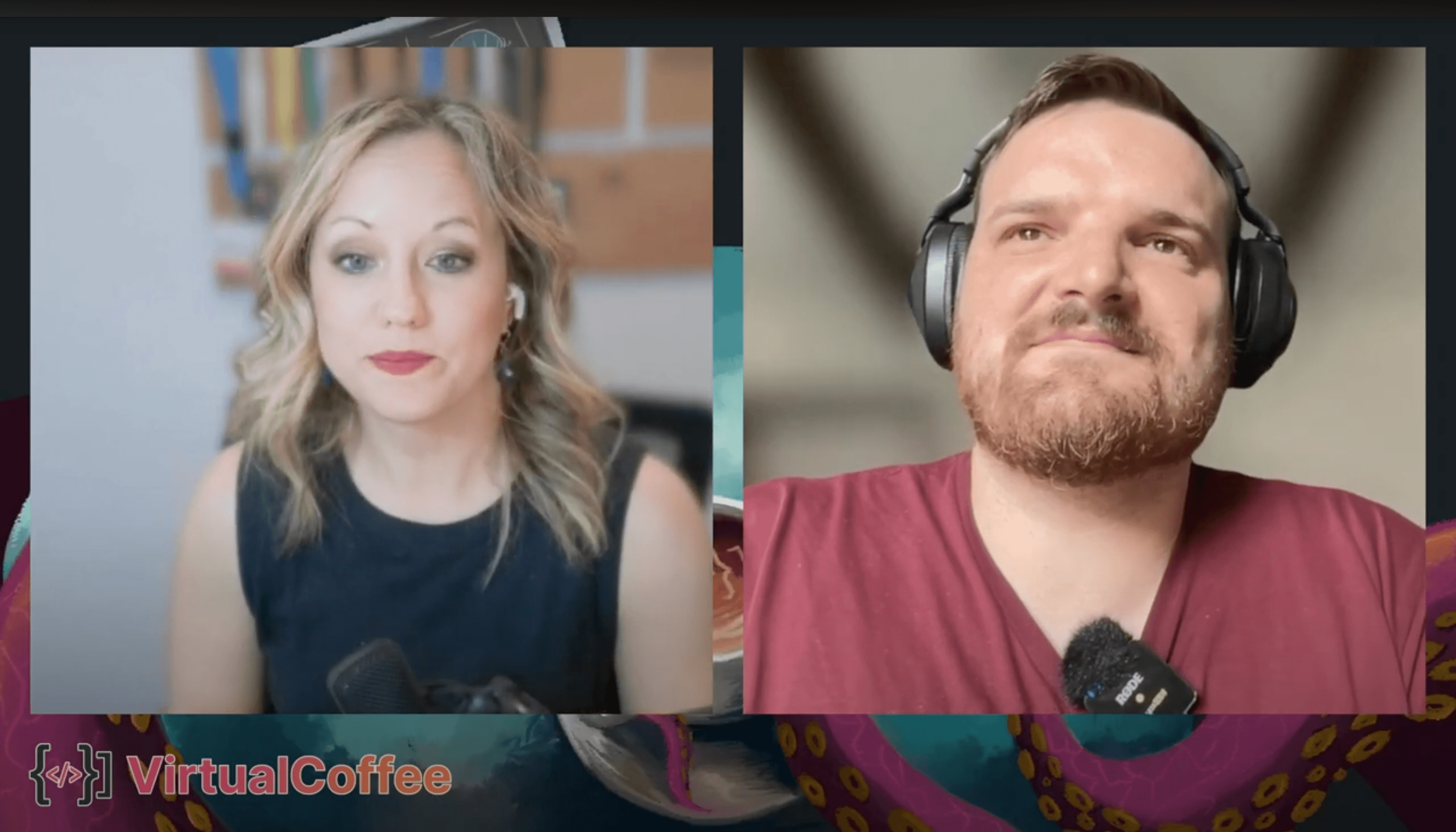
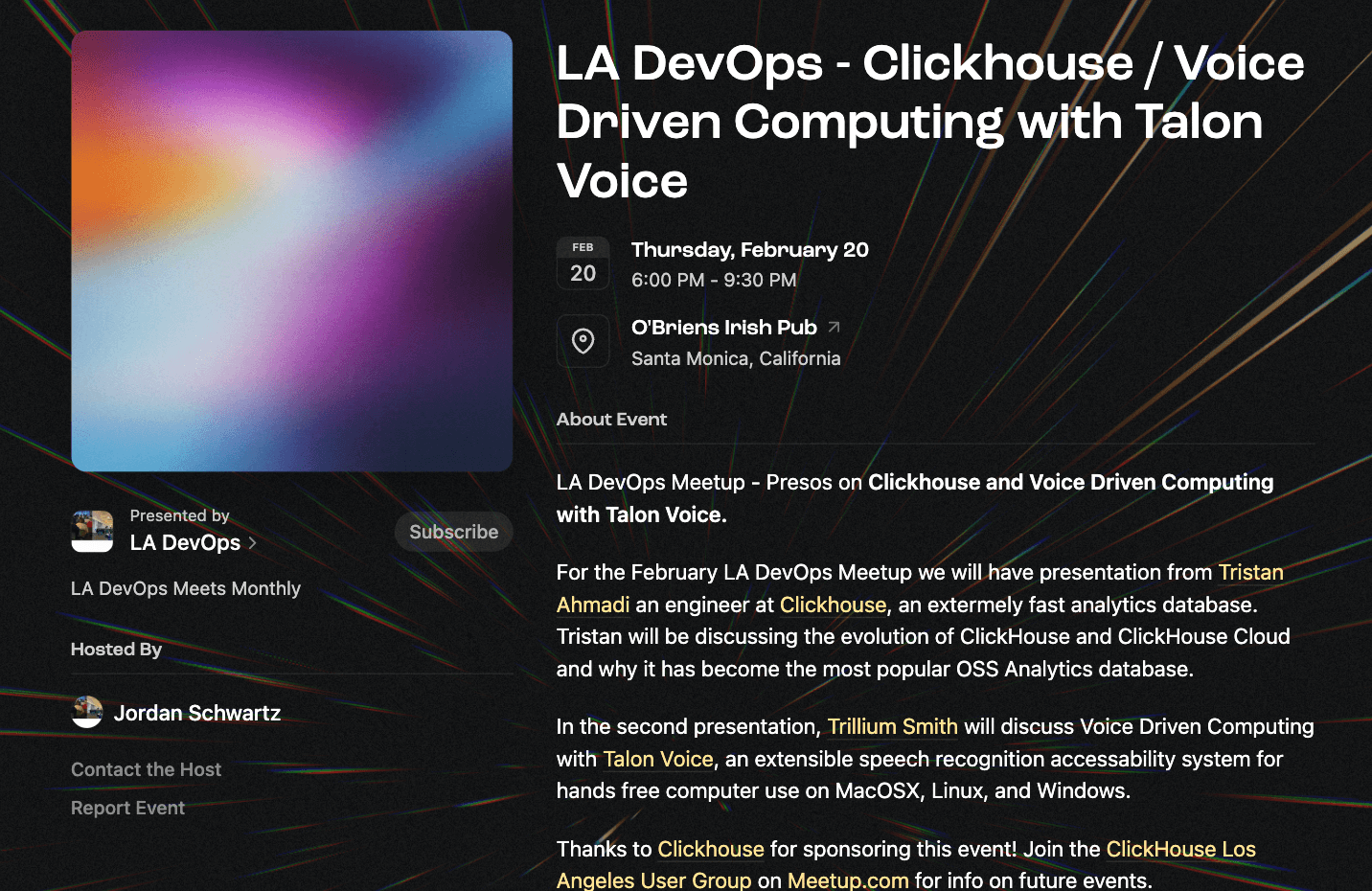
You can watch the full presentation here: My Presentation Video via Certified Fresh Events collaboration with Virtual Coffee.
This isn't a one-off effort; it's part of my broader advocacy for accessibility in tech. I'm working to promote wider adoption through public speaking, live demos, and community education. It's rewarding to inspire those with disabilities, individuals seeking better ergonomics, or anyone curious about voice technology.
What's Next
As Talon evolves, I'm excited about deeper integrations, more videos (including that rowing demo I promised years ago), and continued advocacy. If you're intrigued, start with the free version—join the Slack for help, explore the wiki, and consider supporting the Patreon for beta access.
Voice tech isn't just a tool, it's a gateway to inclusive computing. If you've tried Talon or have questions, to reach out to me on Blusky, or hop on my calendar here.